

Logistics & transport
Planning, status information and transport documents up to date and in one place, in the office and on the road.

Kantex Automation
Process automation means having recurring steps in your business processes carried out automatically, such as checking data, passing it on to another system or asking a colleague for approval. Kantex captures those steps in workflows that run on their own and send a notification when a person needs to step in.

Sound familiar?
Much of the work consists of the same actions: check something, pass it on, let someone know. We map those steps and make them run automatically, with a clear view of what is happening.
Staff spend their day copying, pasting and chasing up instead of doing their actual job.
Without a fixed route, requests sit waiting until someone happens to pick them up.
Nobody can see at a glance which tasks are running, stuck or done.
Capabilities
Steps, conditions and exceptions captured in a process that runs automatically.
The right person gets a notification and approves from email, chat or a dedicated screen.
Processes start at a set time, when a new order arrives or as soon as a value changes.
Failed steps are reported and can be rerun in a controlled way.
How it works technically
The flow diagram for process automation: which systems are the source, what the integration or processing does and what comes out.
Source
A new order, a set time or a changed value in one of your systems starts the process.
Integration and processing
Steps, conditions and exceptions are defined. The right person gets a notification and approves from email, chat or a dedicated screen; failed steps are reported and can be rerun.
Result
The customer exists in every system, the quote has become an order and an invoice without re-keying, and you can see which tasks are running, stuck or done.
In practice
Planning, status information and transport documents up to date and in one place, in the office and on the road.
Less admin around case files, hours and documents, so professionals have more time for their clients.

Job sheets, scheduling, materials and maintenance history connected, from the office to the engineer on site.
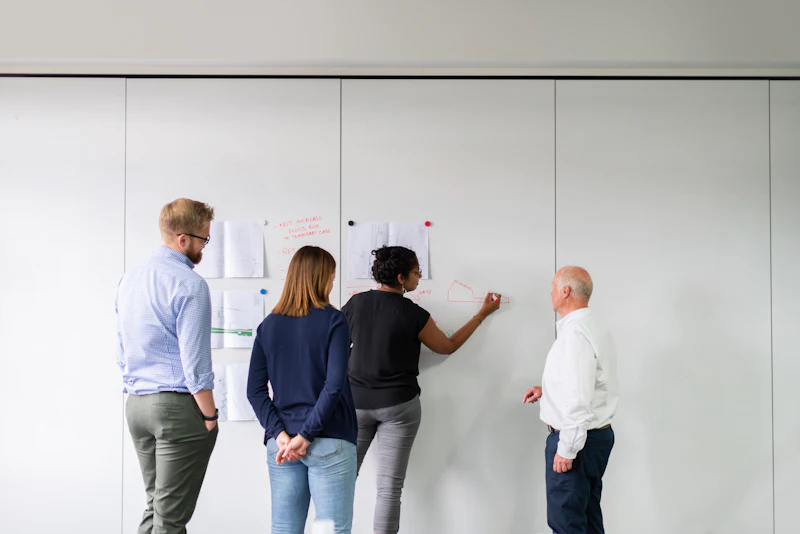
Less recording work for care organisations and practices: records, diary, billing and communication connected.

Stock, product information and customer data aligned between stores, webshop and warehouse.

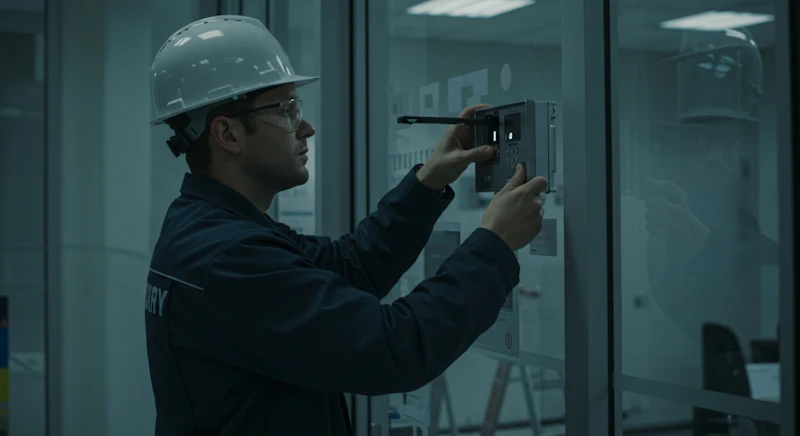
Access rights, visitors, alerts and reports connected, with a verifiable trail of who did what.
Crop records, machine data and supply chain data connected, from field to buyer.

Questions
Processes that happen often, follow fixed rules and currently involve moving data between systems by hand. Think of order processing, customer registration, approvals and reporting.
Usually not. Automation works on top of your existing systems through their integration options. Only if a system allows no integration at all do we discuss alternatives.
A first automated process is often live within a few weeks. We start with the process that takes the most time, so the gain is visible straight away.
Combine with
Kantex AI
Assistants, document processing and AI agents that work with your data and your systems.

Kantex Integrations
Integrations between your webshop, ERP, CRM, accounting and suppliers that keep working reliably.
Kantex Custom Software
Web applications, portals and internal tools, built around your own process.

Free introductory call
Book a free 30-minute introductory call. We walk through your process and show where software, integrations or AI deliver the most.