


Available
Kantex Retail
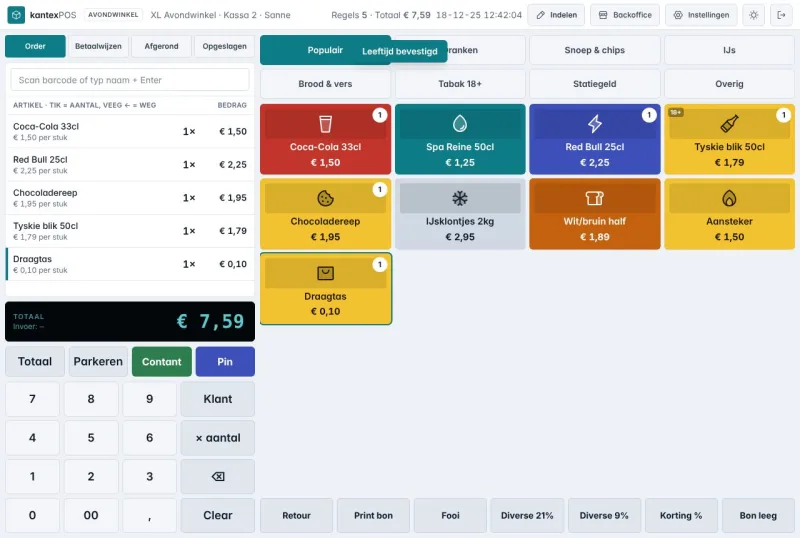
One POS for shops, supermarkets and hospitality
Touchscreen POS, self-checkout, table ordering and back office in one system. We migrate your old POS for free: products, tiles, customers and gift cards.
Access rights that move with HR
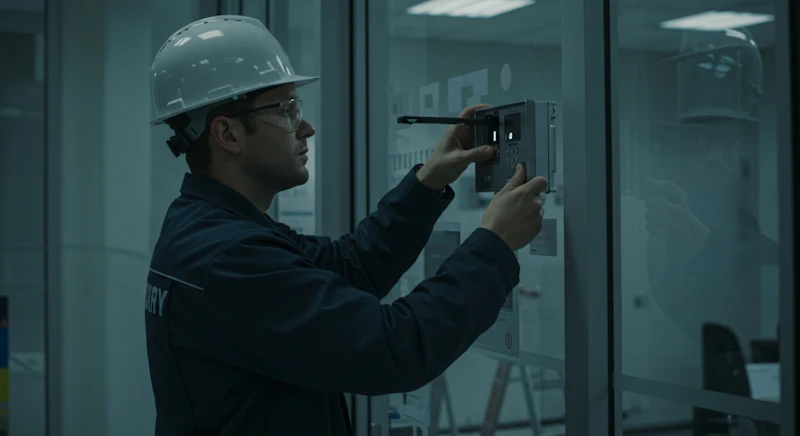
Kantex Access is an integration layer for access management that works on top of your existing access control system and readers. It assigns rights based on HR data such as start date, role and leaving date, registers visitors and records who received which rights and when. Kantex does not supply hardware; the product uses the integration options of your current system.
From problem to result
NowAn employee has left, but their badge keeps working for weeks because nobody updated the access control system.
With Kantex AccessA leaver recorded in the HR system triggers revocation of their rights, with an alert if that fails.
NowNew colleagues wait for a badge on their first day because the request is passed around by email.
With Kantex AccessRights are prepared based on role and start date, so the badge is ready in time.
NowDuring an audit, there is no way to reconstruct who had access to a room and why.
With Kantex AccessEvery grant and revocation is recorded with source, date and reason, and can be pulled as a report.
Modules
Rules that determine which role gets access to which zones, fed by joiners, movers and leavers in the HR system.
How it works technically
The flow diagram of Kantex Access: which systems are the source, what the platform does with the data and what comes out.
Source
Joiners, role changes and leavers in the HR system, plus the rights currently held in the access control system and readers. Kantex does not supply hardware.
Integration and processing
For each role, the accessible zones and who approves exceptions are recorded. Kantex Access reads HR changes, passes rights on through the access control system’s integration options and compares current rights with the model. Every grant and revocation is recorded with source, date and reason.
Result
A leaver triggers revocation of rights, rights for new colleagues are prepared based on role and start date, and during an audit you can reconstruct per room who had access and why.
How it works
Together we record which roles have access to which zones and who may approve exceptions.
Kantex Access reads HR changes and passes rights on through the integration options of your access control system.
We compare current rights with the model and show where they differ, so you can clean up in a targeted way.
From then on, changes go through the model, and reports show whether practice still matches it.
For everyone on the team
A rights model that is followed and an audit trail you can present without searching.
Security and privacy
As a pilot partner, you are the first to use Kantex Access in your own organisation and help decide which features come first. We work closely together and adapt the product to how you work.
Questions
Not yet. Kantex Access is in development and we are building it together with organisations that want to take part as pilot partners. If you manage access for one or more sites and keeping rights up to date currently takes a lot of manual work, email sales@kantex.nl. We will then look at your current systems together and whether a pilot is a good fit.
No. Kantex does not supply hardware and does not replace your access control system. Kantex Access works on top of your existing system and readers, through the integration options that system offers. Which features are available depends on those options; we map that out in advance.
Your access control system simply keeps working with the rights it already has. Kantex Access detects that a change has not gone through and alerts the administrator, so a revocation for a leaver does not go unnoticed. Once the connection is restored, pending changes are sent again.
Only what is needed to determine rights: name, employee number, role or job title, department, location and start and leaving dates. Salary, appraisals and other personnel data are not needed and are not retrieved. Exactly which fields are used is set out in the rights model.
More software
One POS for shops, supermarkets and hospitality
Touchscreen POS, self-checkout, table ordering and back office in one system. We migrate your old POS for free: products, tiles, customers and gift cards.
Orders, stock and delivery in one system
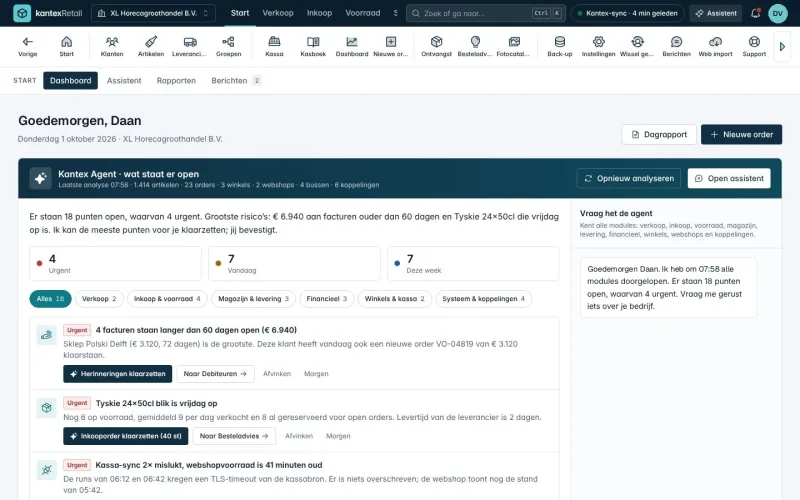
Orders, customer pricing, warehouse, online shops and live tracking in one system, with 15 sector modules. We move your data over from your old ERP for free.
Tickets, bugs and branches in one system
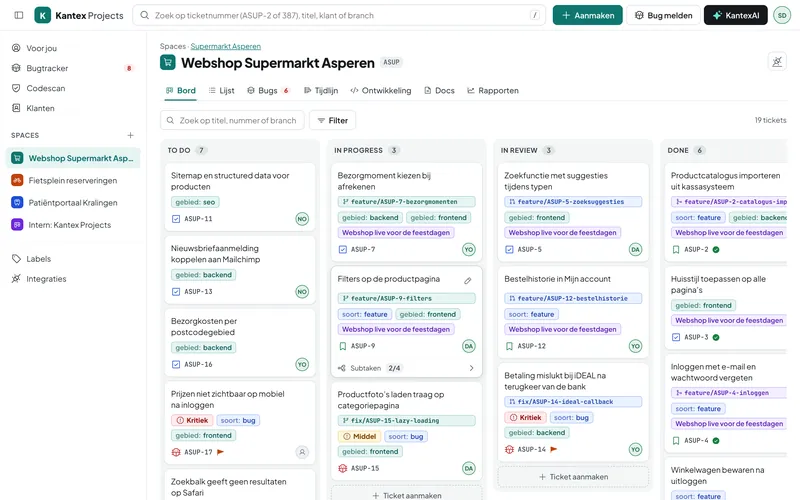
Project management and bug tracking for software teams. Each ticket shows its branch, commits and pull request, and clients report bugs in their own portal. Free for up to 5 users.

Free introductory call
Book a free 30-minute introductory call. We walk through your process and show where software, integrations or AI deliver the most.